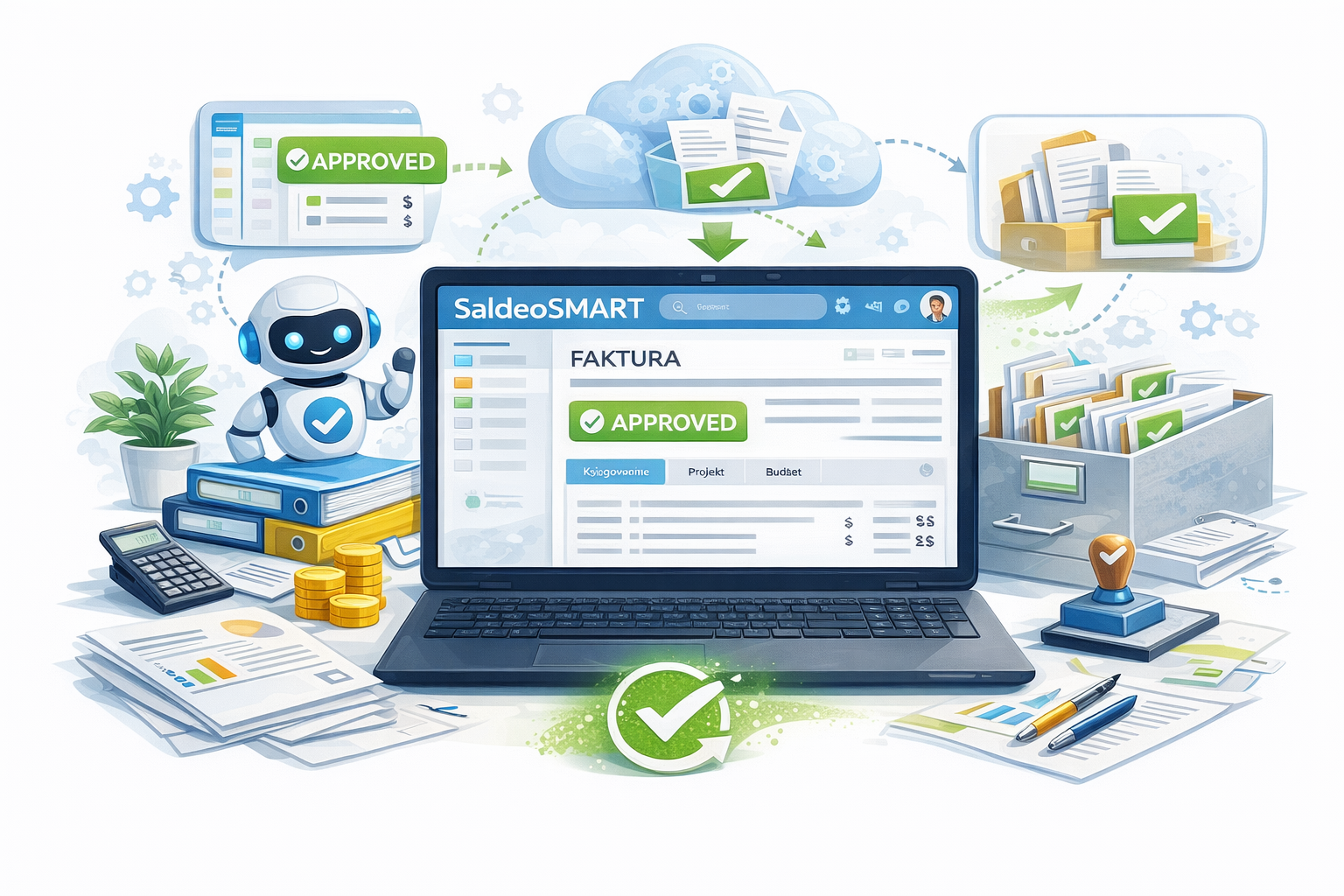
Full control over invoice approval and verification from KSeF thanks to Bitrix24 and SaldeoSMART integration

Book a Free Consultation

If your company uses Bitrix24 as its operational system — the place where employees manage projects, perform daily tasks, communicate, receive notifications, and go through approval processes — then extending it with cost invoice approval is a natural next step.

Bitrix24 already handles purchase requests, leave requests, and training approvals. It is the everyday working environment for managers. In such a situation, forcing them to log into a separate application just to approve an invoice creates unnecessary context switching, delays, and reduced workflow efficiency.

Extending the CRM with an invoice approval process means that the accounting layer remains within SaldeoSMART, while the decision-making and operational layer takes place where the organization actually works.

What does the automated process look like?

The integrated model clearly organizes responsibilities and information flow.

Step 1 – SaldeoSMART

SaldeoSMART is responsible for the formal and accounting part of the process:

  • retrieves the invoice from KSeF,
  • recognizes document data,
  • verifies formal correctness.
At this stage, the document is ready for a business decision.

Step 2 – Approval in Bitrix24

The invoice is sent to Bitrix24, where the approval process is initiated in the environment managers use every day.

The system:

  • initiates an approval workflow (single- or multi-stage),
  • allows linking the cost to a project, department, or budget,
  • records decision history and comments,
  • provides full visibility of the status in the user panel.

The decision is made in an operational context, not purely an accounting one. Managers see the bigger picture: budget, project, and related costs.

Step 3 – Return to SaldeoSMART

After the process is completed:

  • the approval status automatically returns to SaldeoSMART,
  • the document receives the appropriate designation,
  • the invoice is posted according to accounting schemes.
The accounting team receives a ready, approved document — without the need for manual tracking of decisions or email exchanges.

Want to check whether this integration makes sense for your organization?
Contact us — we will analyze your workflow and propose the optimal implementation scenario.

Book a Free Consultation